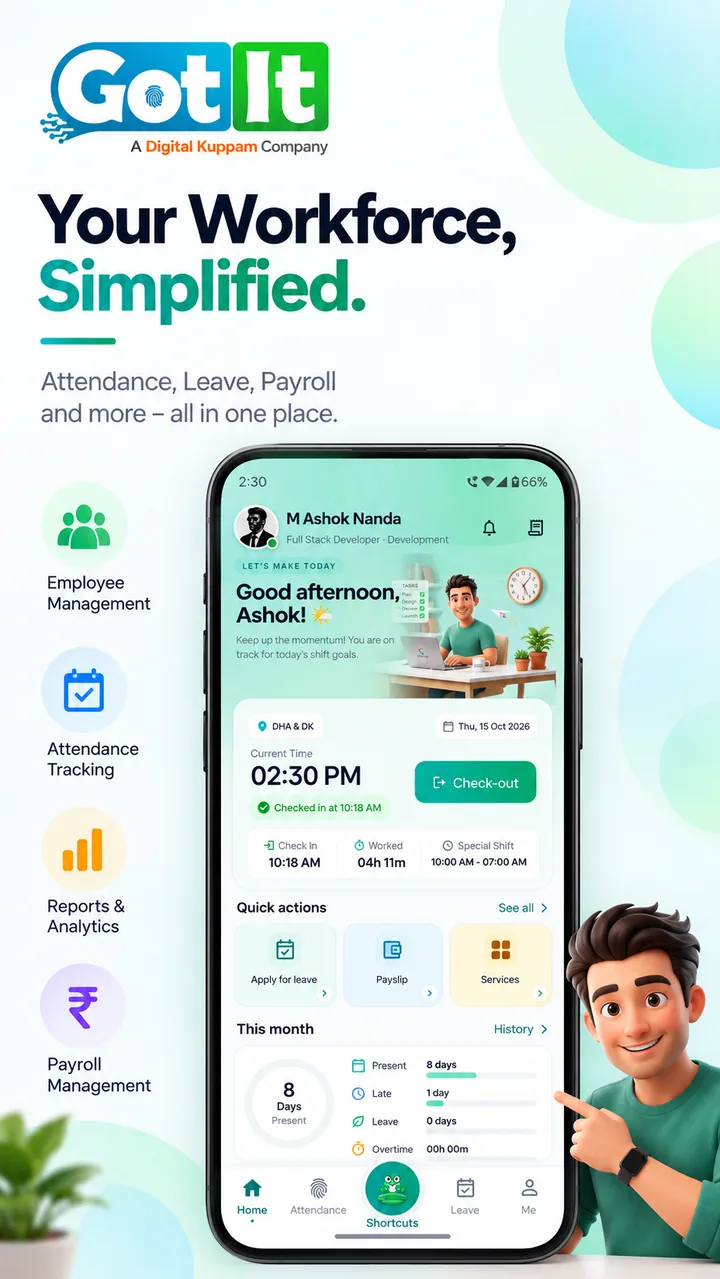
1. Home
  2. Services
  3. Dashboard & Reports
Workplace

Dashboard & Reports

The day's workforce picture at a glance.

A visual overview of attendance, workforce data and key HR activity for quick decisions, with attendance reports you can export. Employees get their own dashboard of attendance and updates.

  • Admin dashboard
  • Trends
  • Exportable reports

Part of GotIt Cloud Web portal & GotIt Mobile

Employee dashboard with present days, late logins, assets, tickets and monthly attendance
How it works

Dashboard & Reports in 4 steps

From first setup to everyday use.

  1. Step 1:

    Log in

    The dashboard is the first screen after login for admins and employees.

  2. Step 2:

    See the day

    Admins see check-ins, check-outs and late logins; employees see their own attendance.

  3. Step 3:

    Spot trends

    Analytics shows attendance trends, leaderboards, today's shifts and leave requests.

  4. Step 4:

    Export

    Download attendance and module reports for any period.

See it in action

Inside Dashboard & Reports

Real screens from GotIt.

Employee overview in GotIt
01

An overview for every employee

Employees see present days, late logins, assigned assets, open tickets, upcoming holidays and their monthly attendance.

  • Present and absent days this month
  • Weekly attendance percentage
  • Next holiday and policy updates
Leave reports in GotIt
02

Reports with charts and filters

Module reports combine visual charts with record tables you can filter by employee and scope.

  • Charts for quick reading
  • Filter by employee or scope
  • Export the records
What you get

Everything included in Dashboard & Reports

Admin dashboard

Present, late, on leave and absent counts for today.

Trends

Attendance patterns over days and months.

Exportable reports

Daily and monthly attendance reports to download.

Employee dashboard

Each employee sees their own attendance and updates.

Upcoming events

Holidays and important dates on the home screen.

Team view

Managers see attendance for the people they manage.

Who uses it

Built for HR and for every employee

Admins and HR

  • See today's attendance at a glance
  • Export reports for any period
  • Spot late and absent patterns
  • See the attendance leaderboard
  • View today's shifts and leave requests
Where Web portal

Employees

  • Track their own attendance
  • See upcoming holidays
  • Check monthly summary
  • See their attendance rank this month
  • Check open tickets and assigned assets
Where GotIt Mobile Web portal
GotIt Mobile home dashboard with this month's attendance summary
FAQ

Common questions

Can reports be downloaded?

Yes. Attendance reports can be exported for the period you choose.

Do employees see the admin dashboard?

No. Employees get their own dashboard; the admin view follows role permissions.

What does the admin dashboard show?

Total employees, today's check-ins, check-outs and delayed logins, open tickets, total assets and attendance insights.

Is there an analytics view?

Yes. Analytics shows an attendance leaderboard, today's shifts, leave requests and payroll information.

Can reports be filtered?

Module reports can be filtered by employee and scope before you export them.

Related

Works well with

GotIt support team ready to help you get started

Ready to try Dashboard & Reports with your team?

Start a 7-day free trial with every module, or book a demo and we will walk you through it.