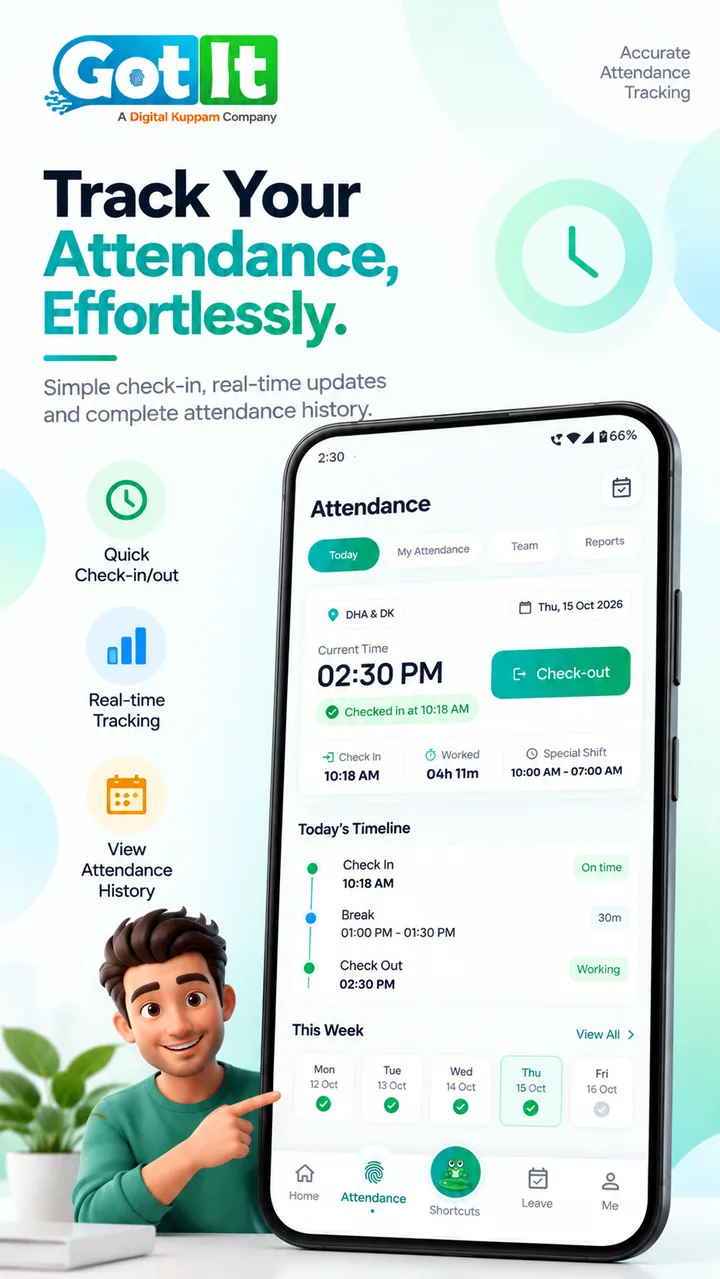
A live view of who is in, who is late and who is working overtime.
Every check-in and check-out from biometric devices, the mobile app and QR codes lands in one attendance register, with working hours, breaks, overtime and status worked out for each employee.
Biometric devices, Geo Mark and Scan & Go send each check-in and check-out to the register as it happens.
2
02Step 2:
Matched to shifts
Each punch is compared with the employee's assigned shift and attendance window to mark present, late or absent.
3
03Step 3:
Fixed by request
Employees raise corrections for missed punches; admins review them as pending, under review or approved.
4
04Step 4:
Ready for payroll
The month's attendance, with leave and overtime, is locked and used for salary.
See it in action
Inside Attendance Management
Real screens from GotIt.
Daily Attendance overview
01
See today at a glance
Daily Attendance shows how many people are scheduled, present, late or absent, the shifts running today and a live timeline of every punch.
Present, late login, absent and request counts
Today's shifts with the number of people on each
Live punch timeline per employee, by QR, geo or device
Monthly Attendance calendar view
02
Review any date range
Monthly Attendance lays out every employee's days in a calendar view with their shift, so gaps and patterns stand out.
Pick a from and to date
Employee-wise status for each day
Authorised corrections from the same screen
Attendance request approvals
03
Handle corrections with a record
Adjustments lists every correction request with its status and the admin who handled it, so changes are always traceable.
Pending, under review, modified and approved
Previous and corrected values side by side
Who approved each change and when
What you get
Everything included in Attendance Management
Real-time register
Check-ins, check-outs, working hours and breaks update as punches arrive.
Overtime and late marks
Each day is compared with the employee's shift to flag late arrival, early exit and overtime.
Correction requests
Employees request a fix for a missed or wrong punch and managers approve it.
On-duty requests
Field visits and outside work are recorded as duty so the day is not marked absent.
Punch review
Unusual mobile punches are held for review instead of being trusted blindly.
Locked for payroll
Attendance is locked before payroll runs, so salary uses a fixed, agreed record.
Who uses it
Built for HR and for every employee
Admins and HR
See the whole team's day on one screen
Approve corrections and on-duty requests
Export daily and monthly attendance
Review any date range in a calendar view
See who handled each correction and when
Where Web portal
Employees
Check today's punches and worked hours
Raise a correction for a missed punch
View attendance history by month
See weekly and monthly working hours
Check overtime hours for the month
Where GotIt Mobile Web portal
FAQ
Common questions
Where do attendance punches come from?
From biometric devices connected to GotIt, Geo Mark and Scan & Go punches in the mobile app, and approved correction requests. They all land in the same register.
Can an employee fix a missed punch?
Yes. The employee raises a correction request with the right time, and it updates the record once a manager approves it.
How is late or half day decided?
Each shift has an attendance window, a grace period and minimum minutes for a full day and a half day. Punches are measured against those rules.
Can admins correct attendance directly?
Yes. Authorised admins can make corrections from Monthly Attendance, and every change is kept with who made it.
Are breaks included?
Yes. The register shows working hours and breaks alongside check-in and check-out.
GotIt uses cookies to run this site and improve it
Necessary cookies keep forms, security and your session working. With your permission we also count visits
anonymously so we can see which pages and devices people use. We never sell your data.
Privacy Policy
NecessaryAlways on
Needed for the site to work. They cannot be switched off.
Session and security cookies: keep you signed in and protect forms from forgery (until you close the browser, or up to 2 hours).
Device ID: recognises the browser for login security.
Your cookie choice: remembers this answer (180 days).
When you submit a form: the page and domain you were on, your device, browser, operating system and IP address are saved with your enquiry so our team can respond and prevent abuse.
Optional. Helps us count visitors and improve the site.
Anonymous visitor ID: a random code stored for 13 months; it is not your name or email.
Pages visited: which pages and domain, how long you stayed, how you arrived (referring site, campaign tags).
Device details: device type, brand, browser, operating system, screen size, language and time zone.
IP address: used for security and an approximate region, not to identify you.
Google Analytics and Ads tags: measure traffic and the performance of our advertising.