Compatible Devices

Choose the right biometric hardware for Got-It HR

This page helps you compare supported biometric devices in a cleaner format before rollout. Each model shows the device image, supported punch modes, best-fit use case, and practical configuration highlights.

Hardware Shortlist

Clearer device selection before you buy

Use this shortlist to match your attendance flow, access control setup, and office size with the right device family.

Image on one side and feature summary on the other for quick review
Fingerprint, face, palm, RFID, and password mode visibility
Best-fit guidance for attendance, entry points, and rollout planning
16 Devices
10 Families
11 Contactless Ready

16 Shortlisted

Popular models reviewed for attendance and access workflows.

10 Device Groups

Fingerprint, face, palm, and RFID-led device options.

11 Face or Palm

Useful for touch-light attendance and smoother entry queues.

15 Access Ready

Card-capable models that also fit door and gate workflows.

Compatibility note

Final compatibility can vary based on firmware version, push setup, network environment, and access-controller configuration. Use this page as a shortlist, then confirm your exact device model with our team before deployment.

Before Purchase

Confirm the exact model, firmware series, and supported punch methods you plan to use.

During Setup

Check push connectivity, LAN or Wi-Fi stability, and whether the device also needs door controller integration.

Best Result

Run a quick pilot with one device first, then scale after attendance sync and user enrollment are stable.

Need Help?

We can help you choose faster

Share your workplace type and expected headcount, and we’ll help you narrow the best-fit devices.

Supported device lineup

Review each device in a row-based layout with image, use case, supported modes, and rollout-friendly highlights.

X990 device image

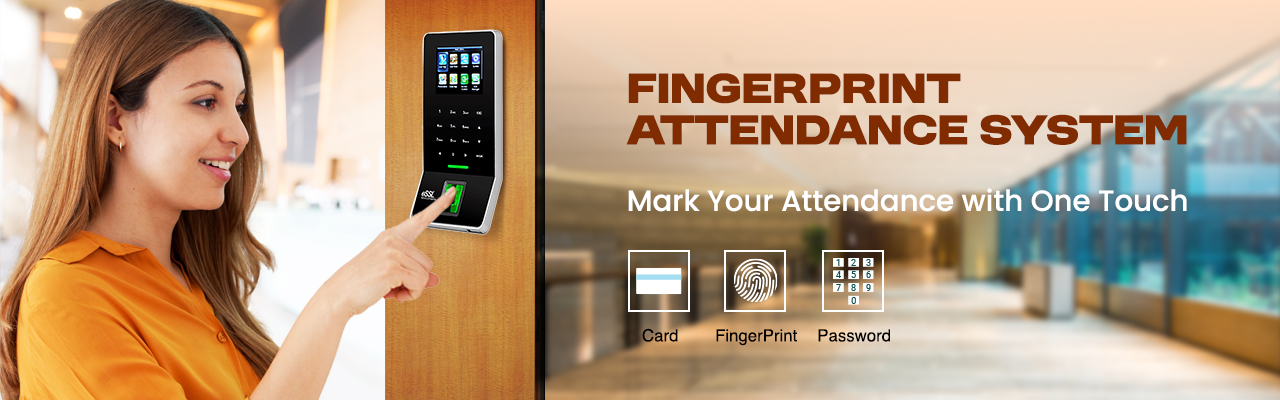
X990

Fingerprint attendance

Fingerprint attendance Best for Daily attendance with optional access control

X990

Built for dependable biometric attendance and smoother day-to-day deployment.

Fingerprint Card Password
Configurations and highlights
  • Popular SMB fingerprint attendance model
  • Suited for attendance plus basic access workflows
  • Often chosen where stable punch throughput matters
3 Access Modes
3 Key Highlights
Yes Card Support
Device fit

Daily attendance with optional access control

Source: Official eSSL product directory

F22+ID+WIFI device image

F22+ID+WIFI

Slim fingerprint access device

Slim fingerprint access device Best for Offices that need wall-mount access plus attendance

F22+ID+WIFI

Built for dependable biometric attendance and smoother day-to-day deployment.

Fingerprint RFID Password
Configurations and highlights
  • Compact format for entry-point installations
  • Commonly preferred for attendance plus door use cases
  • Wi-Fi variant is useful where LAN points are limited
3 Access Modes
3 Key Highlights
No Card Support
Device fit

Offices that need wall-mount access plus attendance

Source: Official eSSL product directory

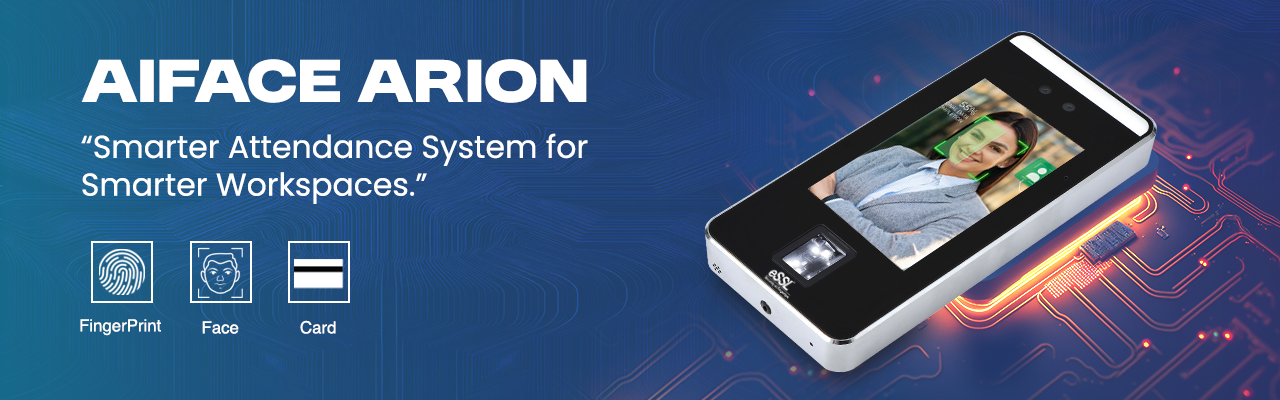
K90 Pro

Fingerprint attendance

Fingerprint attendance Best for Standard office attendance rollouts

K90 Pro

Built for dependable biometric attendance and smoother day-to-day deployment.

Fingerprint Card Password
Configurations and highlights
  • Good fit for routine in-and-out attendance capture
  • Used in small and mid-size office deployments
  • Simple punch-first rollout with minimal training
3 Access Modes
3 Key Highlights
Yes Card Support
Device fit

Standard office attendance rollouts

Source: Official eSSL product directory

K21 Pro

Fingerprint attendance

Fingerprint attendance Best for Budget-friendly attendance setups

K21 Pro

Built for dependable biometric attendance and smoother day-to-day deployment.

Fingerprint Card Password
Configurations and highlights
  • Entry-focused biometric attendance option
  • Useful when you want simpler punch operations
  • Common in early-stage attendance deployments
3 Access Modes
3 Key Highlights
Yes Card Support
Device fit

Budget-friendly attendance setups

Source: Official eSSL product directory

P160

Palm + fingerprint multi-biometric

Palm + fingerprint multi-biometric Best for Sites that want touchless plus fingerprint fallback

P160

Built for dependable biometric attendance and smoother day-to-day deployment.

Palm Fingerprint Card Password
Configurations and highlights
  • 2.8-inch TFT color display
  • 600 palm / 3,000 fingerprint / 10,000 card capacity
  • 100,000 logs with TCP/IP and USB-Host support
4 Access Modes
3 Key Highlights
Yes Card Support
Device fit

Sites that want touchless plus fingerprint fallback

Source: Official eSSL P160 page

MB20

Face + fingerprint attendance

Face + fingerprint attendance Best for Mixed attendance sites needing face and finger options

MB20

Built for dependable biometric attendance and smoother day-to-day deployment.

Face Fingerprint Card Password
Configurations and highlights
  • Face-and-fingerprint attendance terminal
  • Useful where teams want fast face recognition with fallback
  • Suitable for attendance plus basic entry control workflows
4 Access Modes
3 Key Highlights
Yes Card Support
Device fit

Mixed attendance sites needing face and finger options

Source: Official eSSL MB20 page

MB160

Face + fingerprint attendance

Face + fingerprint attendance Best for Compact front-desk or office entry setups

MB160

Built for dependable biometric attendance and smoother day-to-day deployment.

Face Fingerprint Card Password
Configurations and highlights
  • Face recognition with fingerprint backup
  • Practical for attendance and front-door deployments
  • Commonly used for compact business installations
4 Access Modes
3 Key Highlights
Yes Card Support
Device fit

Compact front-desk or office entry setups

Source: Official eSSL MB160 page

UFace302

Face recognition attendance

Face recognition attendance Best for Mid-size teams wanting faster face recognition

UFace302

Built for dependable biometric attendance and smoother day-to-day deployment.

Face Fingerprint Card Password
Configurations and highlights
  • Designed for face-first attendance capture
  • Works well where contactless attendance is preferred
  • Good fit for reception or main attendance points
4 Access Modes
3 Key Highlights
Yes Card Support
Device fit

Mid-size teams wanting faster face recognition

Source: Official eSSL UFace302 page

UFace301

Face recognition attendance

Face recognition attendance Best for Contactless attendance rollouts with multiple login methods

UFace301

Built for dependable biometric attendance and smoother day-to-day deployment.

Face Fingerprint Card Password
Configurations and highlights
  • Useful for face-led attendance programs
  • Flexible for face, finger, card, and password-based workflows
  • Suitable for growing teams moving beyond basic punch devices
4 Access Modes
3 Key Highlights
Yes Card Support
Device fit

Contactless attendance rollouts with multiple login methods

Source: Official eSSL UFace301 page

SilkBio101TC

SilkID biometric terminal

SilkID biometric terminal Best for Teams needing better finger-read performance

SilkBio101TC

Built for dependable biometric attendance and smoother day-to-day deployment.

Fingerprint Face Card Password
Configurations and highlights
  • SilkID range is preferred for difficult fingerprint conditions
  • Suitable where dust, dryness, or finger wear affects punch quality
  • Good option when standard fingerprint-only devices struggle
4 Access Modes
3 Key Highlights
Yes Card Support
Device fit

Teams needing better finger-read performance

Source: Official eSSL SilkBio101TC page

SFace900

Advanced face attendance

Advanced face attendance Best for Sites prioritizing face-led attendance and quick throughput

SFace900

Built for dependable biometric attendance and smoother day-to-day deployment.

Face Card Password
Configurations and highlights
  • Face-focused attendance terminal
  • Useful for touch-minimized entry workflows
  • Often considered for faster queue handling at punch points
3 Access Modes
3 Key Highlights
Yes Card Support
Device fit

Sites prioritizing face-led attendance and quick throughput

Source: Official eSSL SFace900 page

AI-FACE MARS

Visible-light face recognition

Visible-light face recognition Best for Modern offices needing visible-light face recognition

AI-FACE MARS

Built for dependable biometric attendance and smoother day-to-day deployment.

Face Card Password
Configurations and highlights
  • 5-inch touch screen
  • 3,000 face / card capacity with 150,000 transactions
  • TCP/IP, optional Wi-Fi, RS485, Wiegand, anti-spoofing
3 Access Modes
3 Key Highlights
Yes Card Support
Device fit

Modern offices needing visible-light face recognition

Source: Official eSSL AI-FACE MARS page

AI-FACE PLUTO

Compact visible-light face recognition

Compact visible-light face recognition Best for Secure compact access points and attendance counters

AI-FACE PLUTO

Built for dependable biometric attendance and smoother day-to-day deployment.

Face Card Password
Configurations and highlights
  • 4-inch touch screen
  • 1,000 face / 1,000 card capacity with 150,000 transactions
  • TCP/IP, Wi-Fi, RS485, Wiegand, 2MP binocular camera
3 Access Modes
3 Key Highlights
Yes Card Support
Device fit

Secure compact access points and attendance counters

Source: Official eSSL AI-FACE PLUTO page

AI-FACE ARION device image

AI-FACE ARION

Visible-light face recognition

Visible-light face recognition Best for Reception and access points needing modern face UI

AI-FACE ARION

Built for dependable biometric attendance and smoother day-to-day deployment.

Face Card Password
Configurations and highlights
  • Visible-light face terminal family
  • Built for faster contactless attendance and access verification
  • Good option for businesses standardizing on face devices
3 Access Modes
3 Key Highlights
Yes Card Support
Device fit

Reception and access points needing modern face UI

Source: Official eSSL face device directory

AI-FACE MERCURY device image

AI-FACE MERCURY

Visible-light face recognition

Visible-light face recognition Best for Professional face attendance and controlled entry points

AI-FACE MERCURY

Built for dependable biometric attendance and smoother day-to-day deployment.

Face Card Password
Configurations and highlights
  • Part of the newer AI-FACE family
  • Best where a clean face-led access workflow is preferred
  • Recommended for teams moving to newer contactless hardware
3 Access Modes
3 Key Highlights
Yes Card Support
Device fit

Professional face attendance and controlled entry points

Source: Official eSSL face device directory

K990

RFID access + attendance

RFID access + attendance Best for Card-led attendance and door control projects

K990

Built for dependable biometric attendance and smoother day-to-day deployment.

Card Password
Configurations and highlights
  • 40,000 users / 40,000 cards / 800,000 transactions
  • 3.5-inch color TFT with TCP/IP and USB
  • Supports lock relay, door sensor, fire alarm, anti-passback
2 Access Modes
3 Key Highlights
Yes Card Support
Device fit

Card-led attendance and door control projects

Source: Official eSSL K990 page