
Run HR, attendance and payroll from one cloud workspace
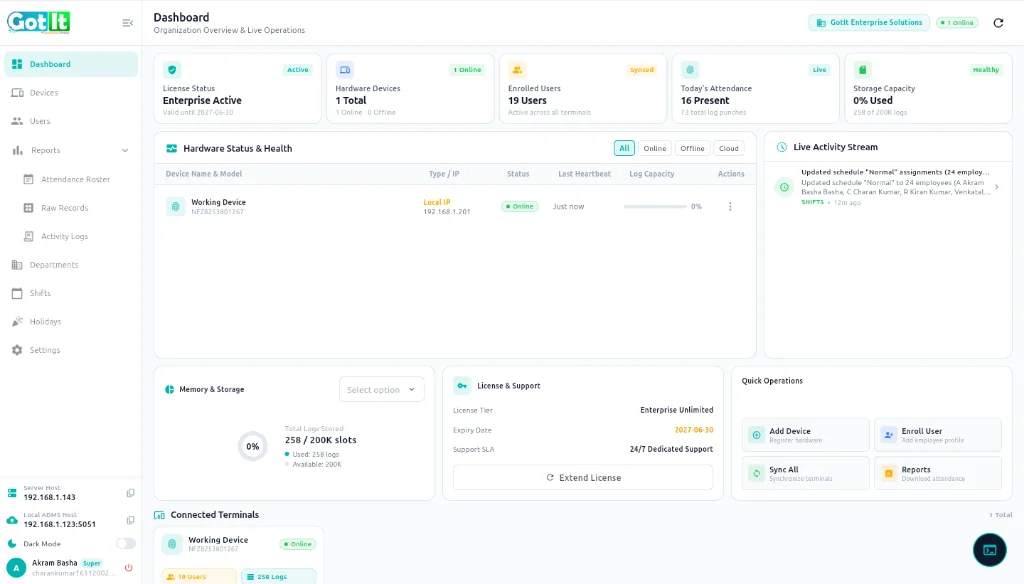
Employees, shifts, leave and payroll live together, so every branch works from the same numbers.
- Shift rosters, leave and holidays per branch
- Multiple companies under one account
GotIt: HR, Attendance, Payroll helps teams manage biometric attendance, leave, automated payroll, and employee records in one clean platform built for fast daily use.
Fast contactless check-ins via dynamic office QR codes with live fraud prevention.
Accurate GPS validation with custom geo-fencing radius for field & remote teams.
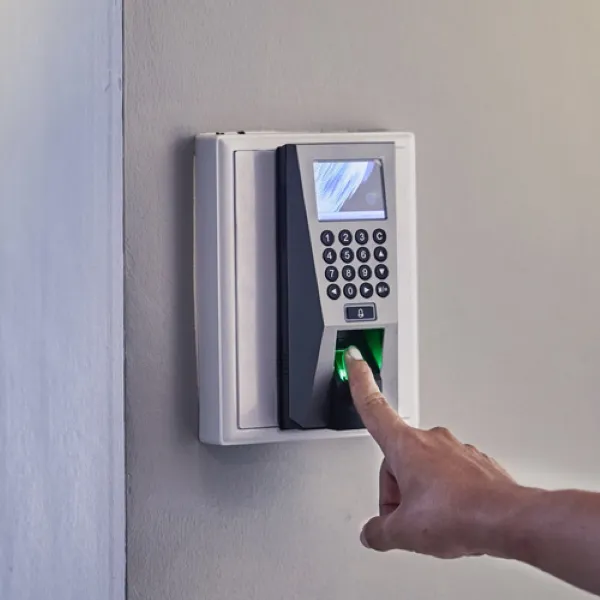
Biometric hardware integration with instant eSSL & ZKTeco cloud attendance sync.
High-speed facial recognition with real-time liveness checks and edge matching.
Pick the product that fits your team, or use them together.
 Web HRMS
Attendance, leave, payroll and self-service in your browser.
Windows & Linux
Connects your fingerprint, card and face machines to GotIt.
Android & iOS · Free
Employees punch in, apply for leave and see payslips on their phone.
Cloud, desktop, mobile and alerts working from the same attendance data.
Employees, shifts, leave and payroll live together, so every branch works from the same numbers.
GotIt Desktop runs on your office network next to the devices and keeps employees and punches in sync.
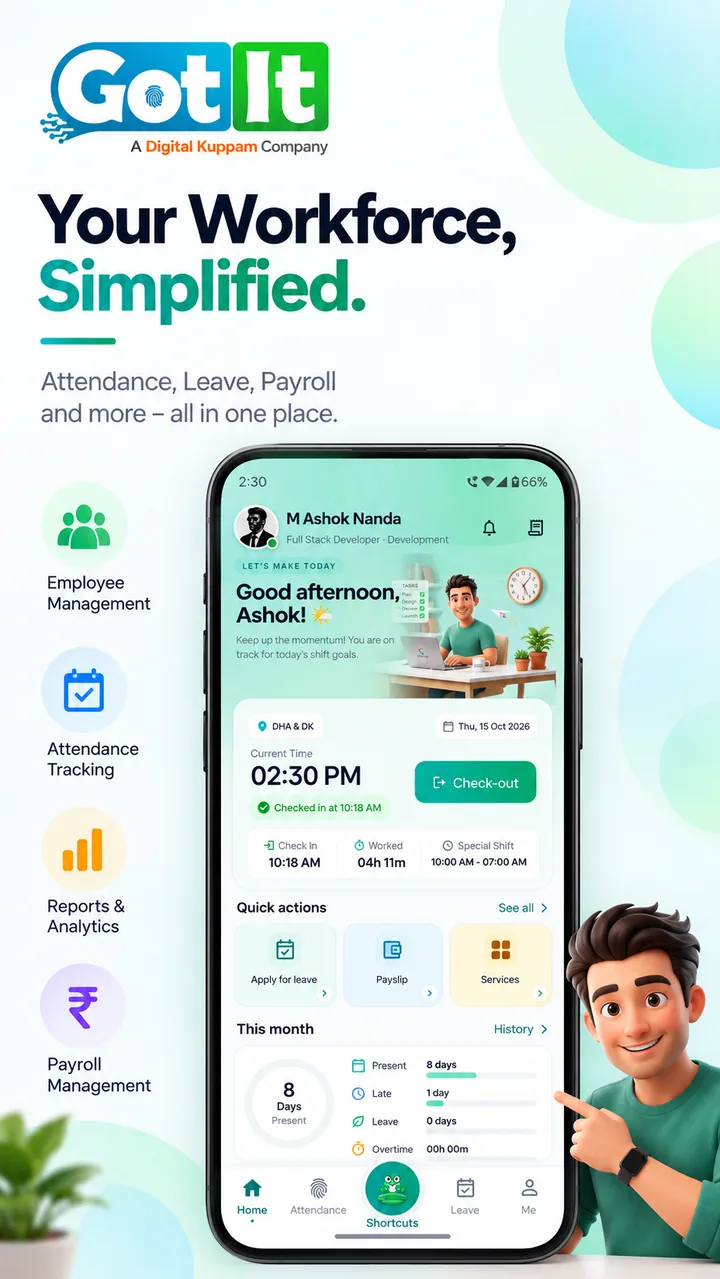
Geo-fenced, face-verified punches plus leave requests and payslips, right in the employee's pocket.
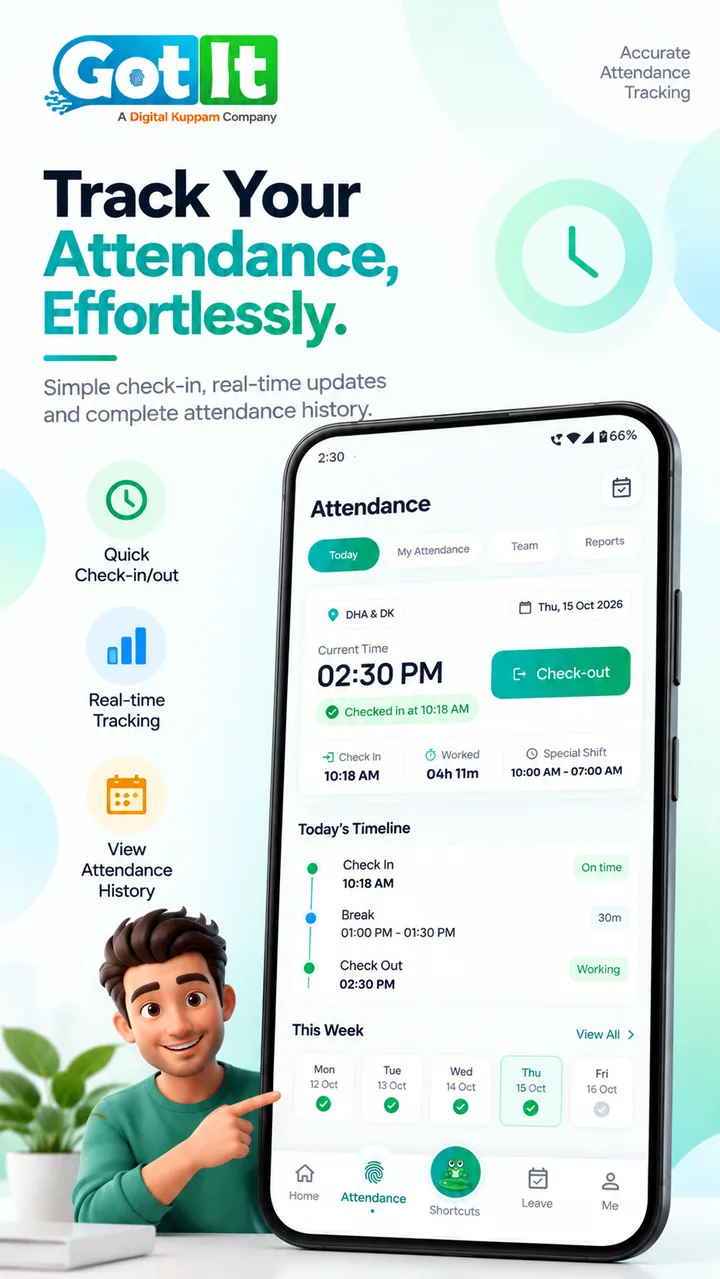
Every captured punch can notify the employee and admin by push, SMS, WhatsApp or email.
Salaries, deductions and payslips are built from the same punches your team already trusts.
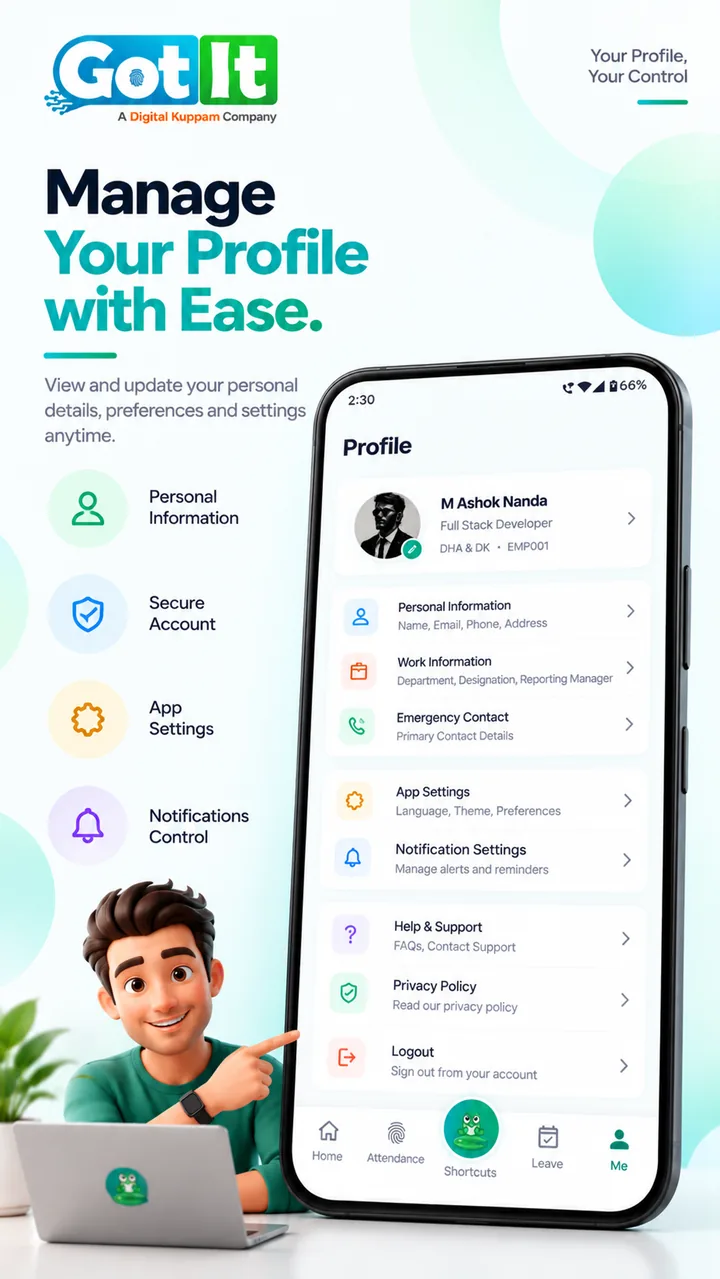
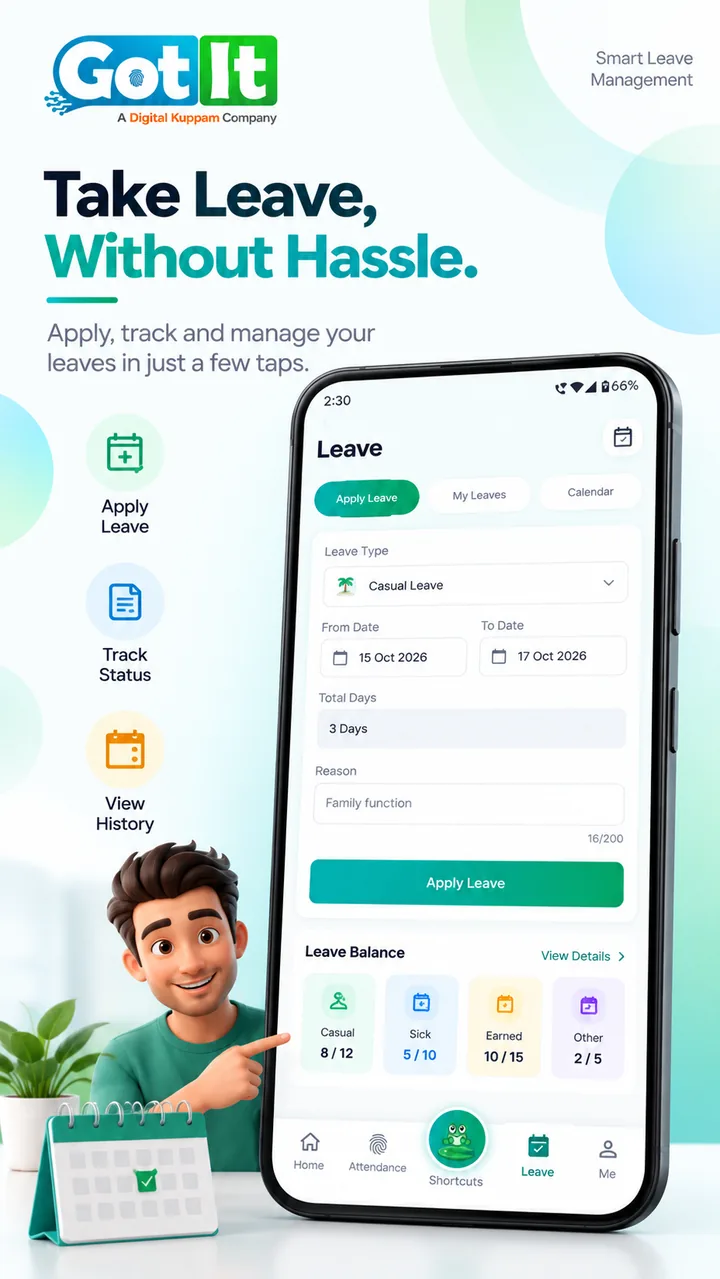
Fingerprint, card, palm and face terminals are tested with GotIt and listed with their supported modes.
Browse compatible devicesFrom the biometric device at your door to payroll and every phone, within seconds.
An employee checks in with fingerprint, face, palm or card on a compatible terminal.
The device sends each punch over the internet straight away, or through GotIt Desktop on your office network.
GotIt links the punch to the employee and their shift, marking on time, late or overtime.
The timeline updates in GotIt Mobile, alerts go out, and payroll and reports use the same record.
The same GotIt on phone, tablet and desktop, always in sync.
Access full workforce operations seamlessly from Android, iOS, Windows, Linux, tablets, or any standard web browser.
Mobile punches and biometric terminal entries reflect on central HR dashboards within seconds.
High-accuracy GPS verification and customizable geo-fencing ensure tamper-proof punches for on-field staff.
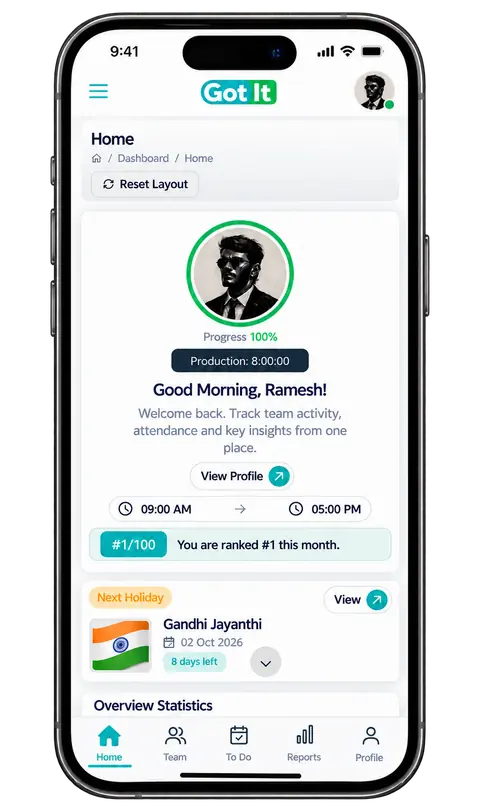
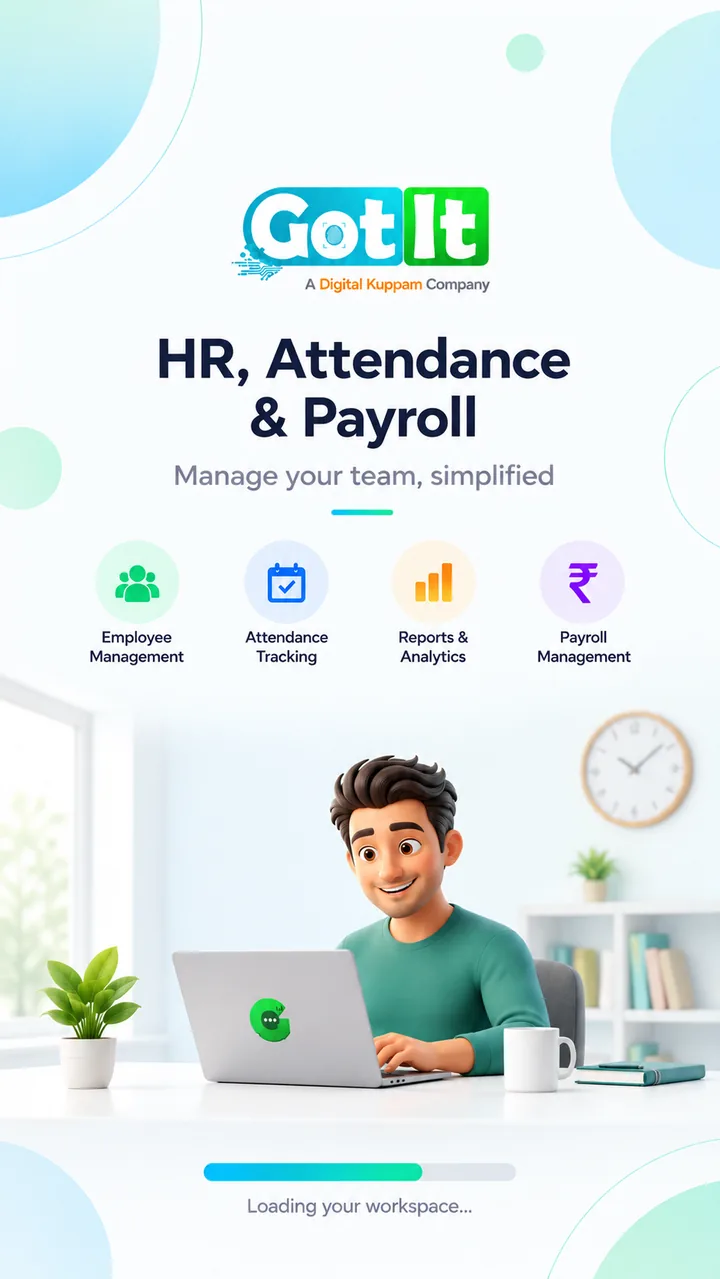
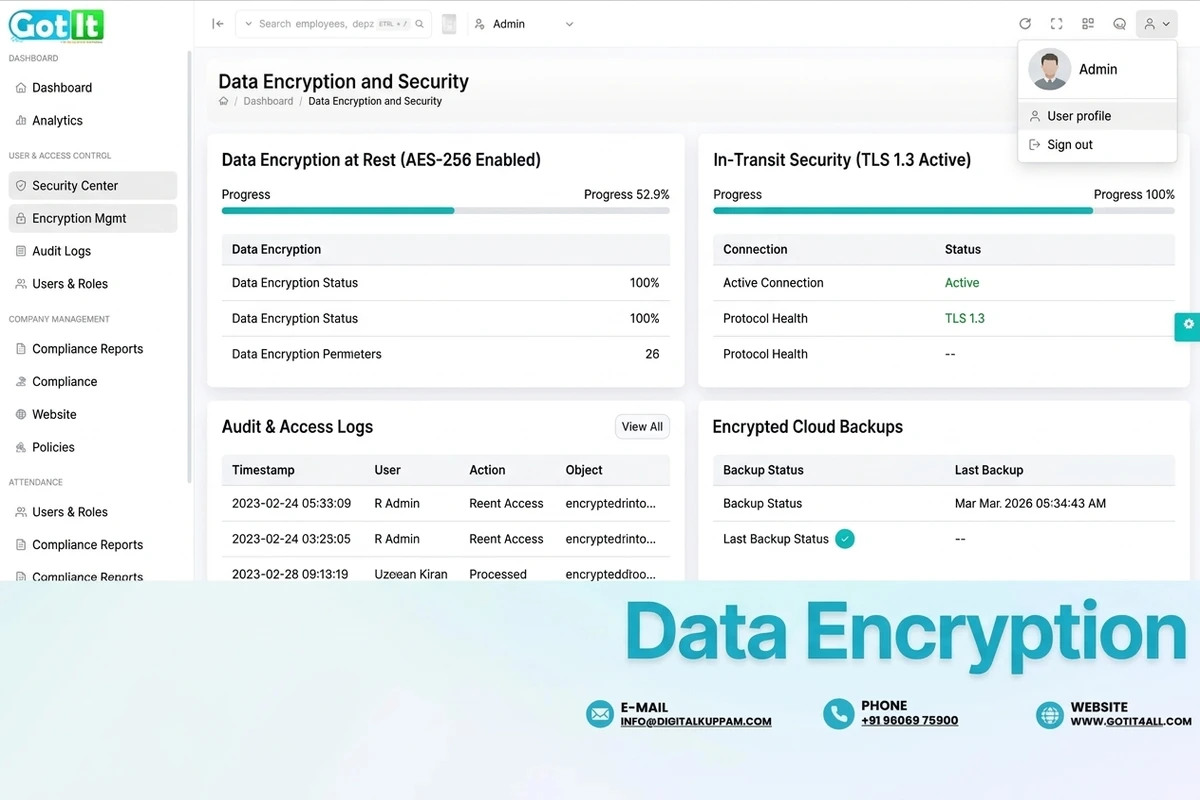
End-to-end TLS encryption, AES-256 data protection at rest, and granular role permissions safeguard HR records.
Automated WhatsApp, SMS, and mobile push alerts keep employees updated on shift schedules, leaves, and payroll.
Continuous cloud data replication with 99.95% uptime guarantees historical attendance and payroll records are secure.
Teams of every size run attendance and payroll on GotIt every day.
Over 1,000 businesses across IT, manufacturing, retail, and healthcare run daily attendance on GotIt.
Over 32,000 workforce members clock in daily, track shift rosters, and receive automated payslips.
Over 1.4 million monthly punches, overtime calculations, leave workflows, and compliance filings.
Dedicated onboarding and rapid assistance on WhatsApp, direct phone line, and high-priority tickets.
Attendance, payroll and leave, made simple.
From biometric device synchronization to one-click statutory payroll processing, Got-It HR connects your entire workforce lifecycle. Eliminate manual muster rolls, streamline multi-shift rosters, automate EPF, ESIC, and TDS deductions, and provide transparent employee self-service via our native mobile app.
Call us anytime
+91 96069 75900Email us
info [at] gotit4all.com
Of innovation in HR solutions
Secure, fast and reliable from day one.
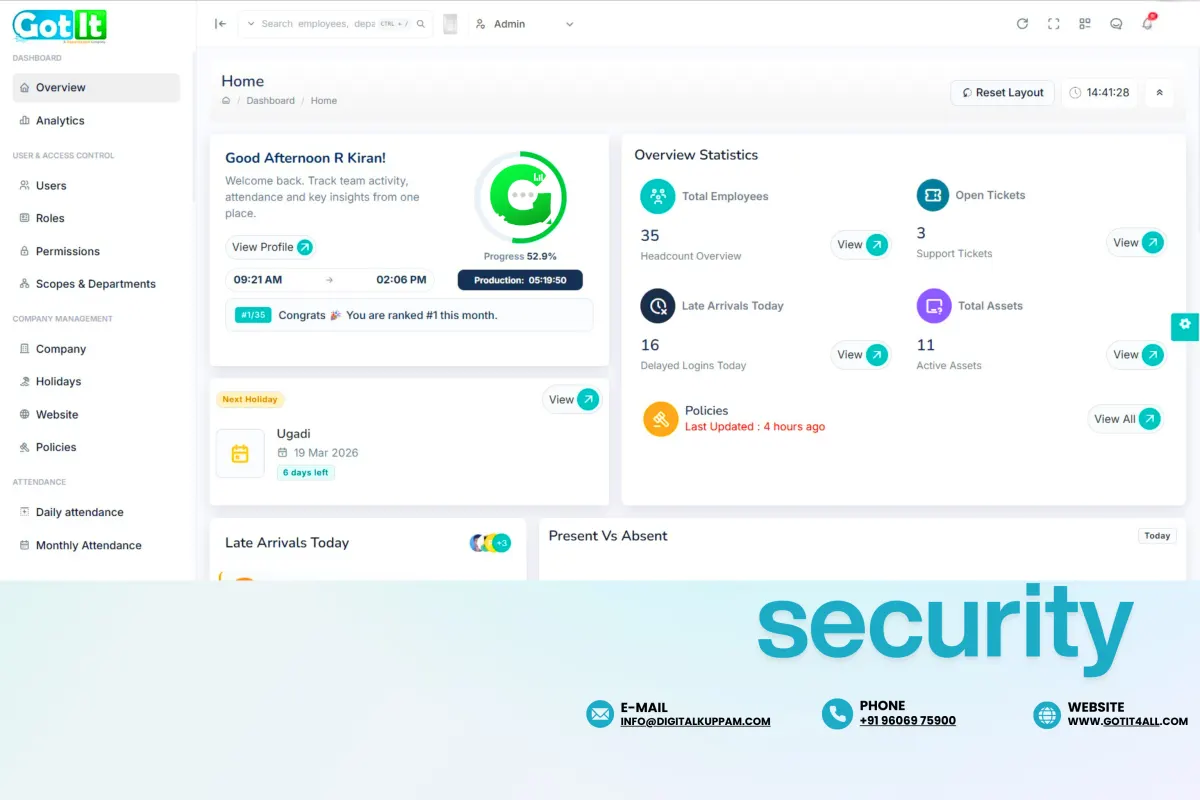
Assign clear access levels for admins, managers, and staff so sensitive HR data stays protected while every team member only sees what they need.
Employee records and attendance logs remain secured with modern encryption standards whether data is stored in the system or moving across devices.
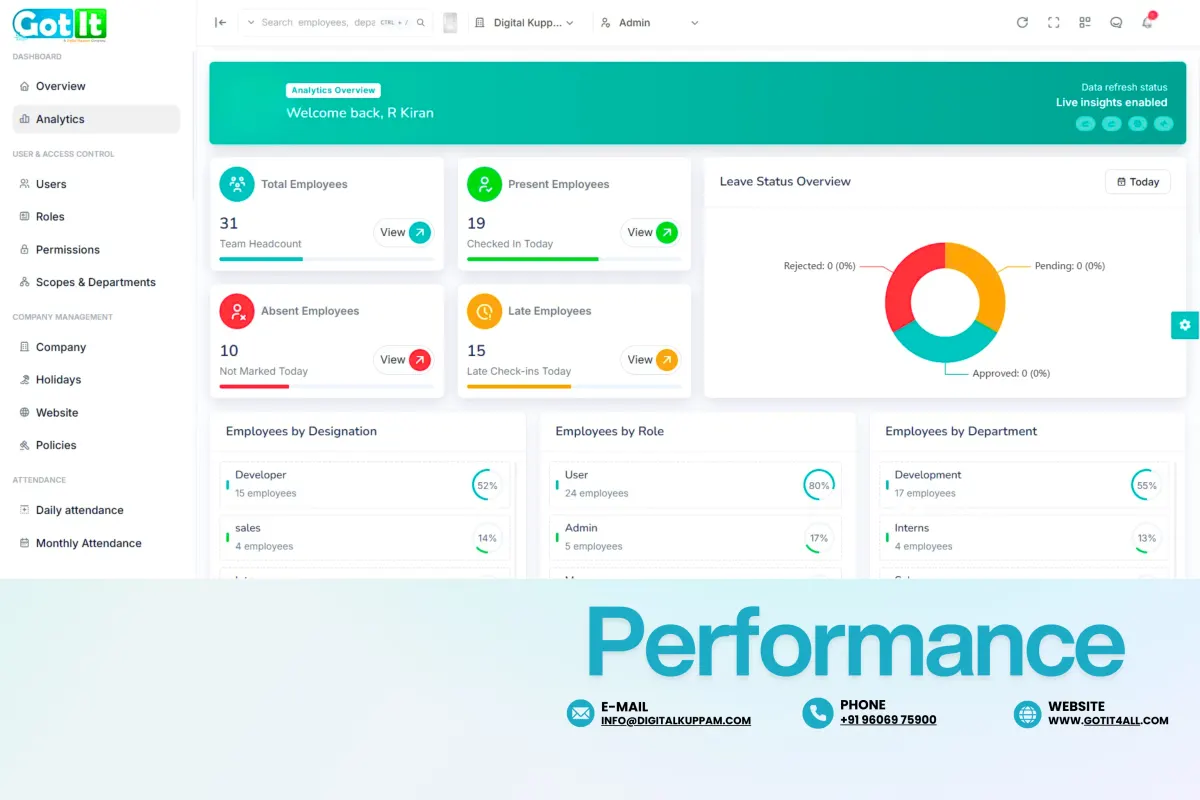
Built to handle growing teams, multiple branches, and high daily punch volume without slowing down reports, dashboards, or attendance sync.
From onboarding to daily operations, our support team helps you resolve issues quickly and keep HR workflows running smoothly.
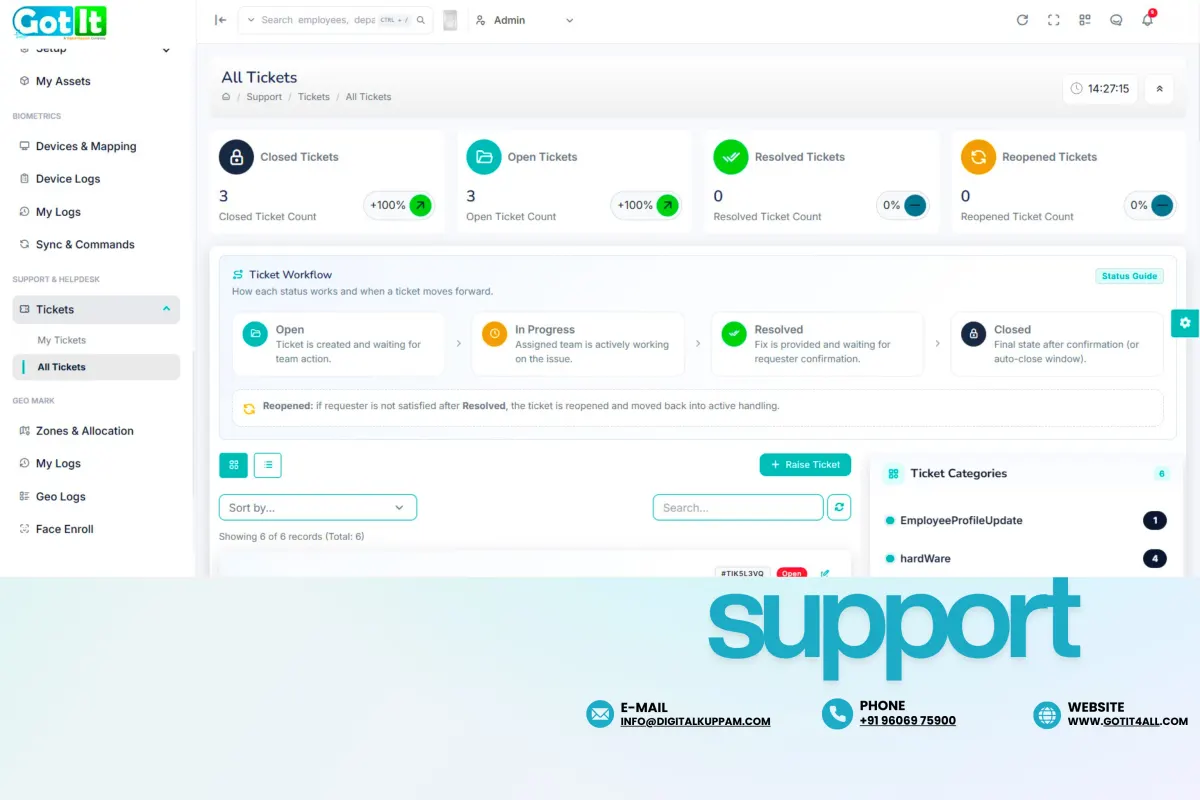
Manage office, remote, and field teams with QR, geo, biometric, and card-based attendance options from one unified platform.
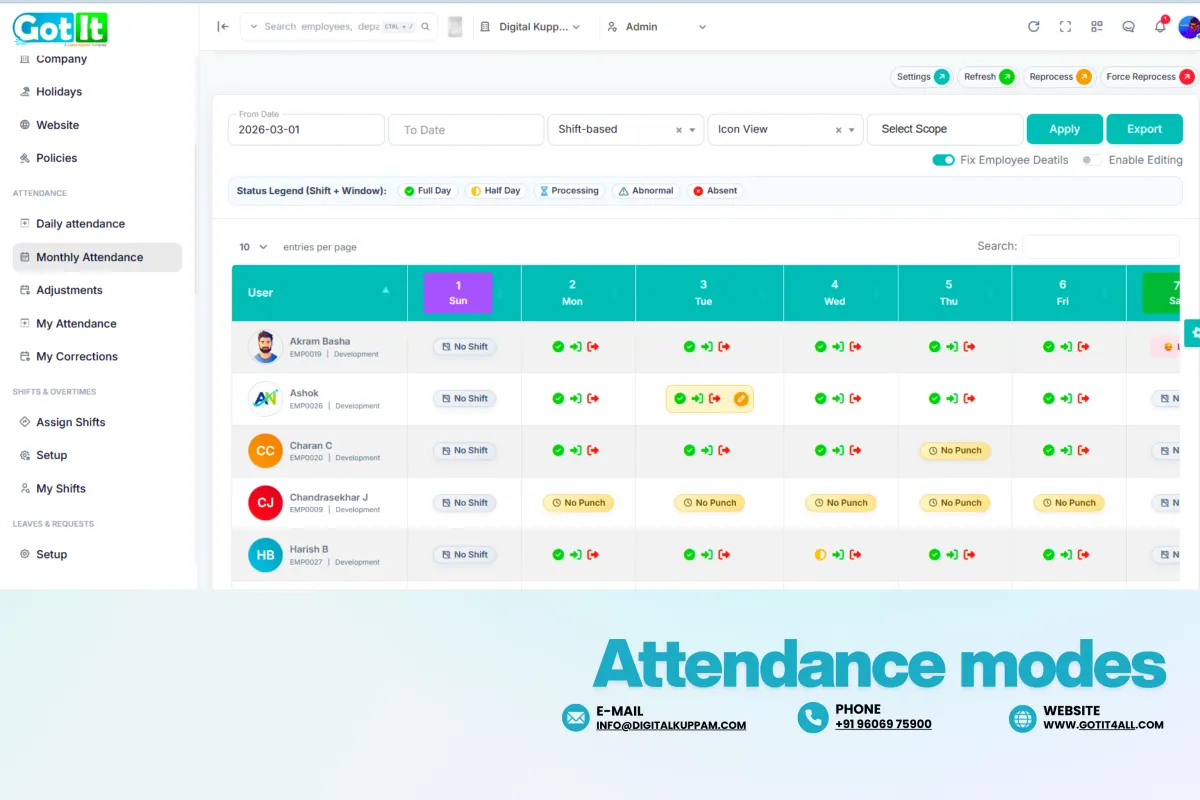
Setup, integration and support so your team goes live fast.
Device setup, LAN configuration, and live cloud sync for eSSL & ZKTeco terminals.
REST APIs and webhooks connecting attendance with your ERP and accounting tools.
Visual dashboards on overtime, absenteeism, and department productivity trends.
Encrypted backups, strict role governance, and scheduled security checks.
Automated salary calculations with EPF, ESIC, PT, TDS, and 1-click payslips.
Multi-tier approval workflows, custom quotas, and real-time balance tracking.
Mobile app for clock-in, leave requests, shift rosters, and payslip downloads.
Structured appraisal cycles, quarterly milestones, and employee KPI tracking.
High-availability enterprise cloud with 99.95% uptime and automatic backups.
Labour regulations, Factory Act rules, and automated statutory muster rolls.
Paperless digital onboarding, document verification, and asset allocation.
Dynamic shift rosters, rotational night allowances, and automated swap approvals.
Teams across industries run on GotIt.







Adding and managing employees is very intuitive. Communication with the system is smooth, making it easy to update and manage accounts.
Viewing salary details and payment history is easy. The system provides clear and accessible information about my earnings.

The biometric system is easy to use and set up. It’s been reliable for tracking attendance and managing payroll. Good value for the price.
Managing employee attendance and payroll has never been easier.With GotIt, A powerful tool that has enhanced our administrative efficiency.

I appreciate how user-friendly the biometric system is. It’s straightforward to track attendance and handle leave requests. The intuitive interface makes it simple for everyone.

The automated payroll integration has been a game-changer for us. It saves hours of manual work and ensures accuracy in salary processing. Highly recommend this system for efficiency!

Quick answers about setup, attendance tracking, customization, and support.
Review the most common questions, then open our documentation or contact the team if you need more detail.
Yes. GotIt supports multi-branch organizations with location geofencing, QR check-in, and centralized administrative controls.
Yes. Devices connect securely via ADMS outbound push over standard HTTPS without opening incoming ports or requiring static IP addresses.
Password reset and OTP issues are usually resolved by requesting a fresh code and checking whether the registered email or phone number is still correct.
Key steps:
Use the password reset option and request a brand new OTP instead of reusing an older one.
Check spam or promotions folders if the OTP is sent by email.
Verify that the registered mobile number or email is still active and accessible.
A blocked or inactive account usually means the user status, role mapping, or branch access was changed by an administrator.
Key steps:
Ask your admin to confirm that the user is active in the system.
Check whether role, branch, or module permissions were recently changed.
If you still cannot access the account, raise a ticket so the audit trail can be checked.
Attendance sync issues usually come from network interruptions, device push settings, or employee mapping mismatches between the device and the application.
Key steps:
Check whether the device is online and reachable on the same configured network.
Verify that push mode, API endpoint, or middleware service is running properly.
Confirm that employee IDs on the device match the employee mapping inside the system.
Punch failures normally come from biometric mismatch, geo restrictions, shift timing rules, or app permissions on the user device.
Key steps:
Check whether face, fingerprint, GPS, camera, or app permissions are blocked on the employee device.
Verify that the employee is within allowed geo range and the shift window is open.
Test one employee manually to confirm whether the issue is user-specific or device-wide.
Payroll, leave, and shift issues are usually caused by configuration gaps, policy mismatches, or date-effective rule changes.
Key steps:
Verify the employee policy, pay structure, leave setup, or shift assignment first.
Check whether the effective dates overlap with the current period.
Test one known employee record before applying broad changes.
A payroll run is locked once its payslips are published or paid, so salary records stay consistent.
Key steps:
Make corrections as adjustments in the next payroll run.
If a published run must change, raise a ticket so our team can help.
Need more detail or product guidance?
Talk to our team about pricing, onboarding, demos, or the right setup for your business.
We're here to help! Reach out to us for inquiries, support, or if you need any assistance regarding our HR management solutions.
Share a few details and we will get back to you shortly.
